OCAS
Geneva's social insurance website, redesigned for people who know what they need but not what it's called.
- Client
- OCAS
- Produced at
- Virtua/Smile
- Type of work
- Web design
- Year
- 2019-2020
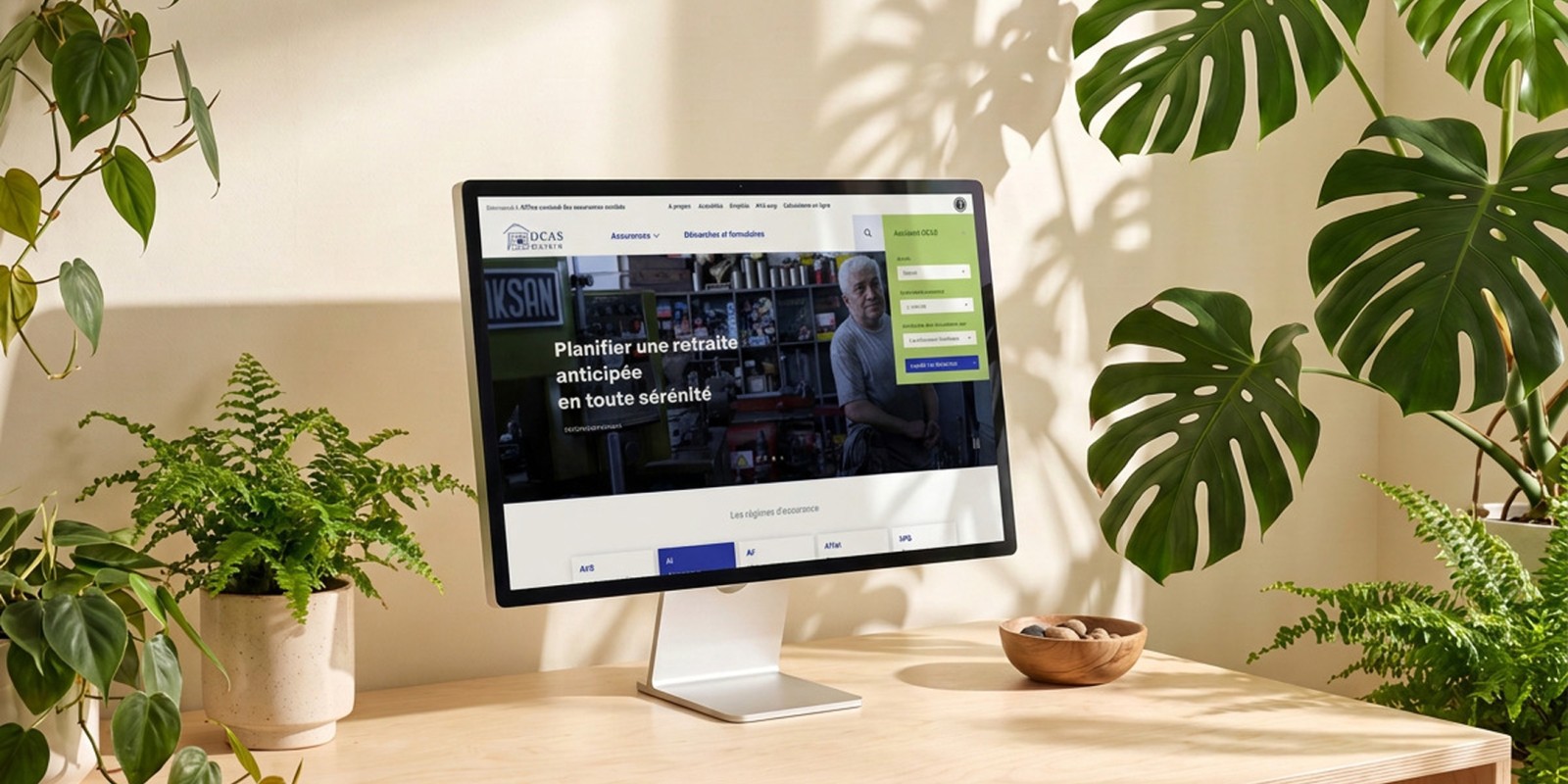
- The problem
- A ten-year-old site organised by insurance scheme, with more than a thousand forms in a single alphabetical list.
- What I did
- Rebuilt it around a guided entry point by situation, and one editable system for every form.
- Result
- ÷2 forms after consolidation
The result
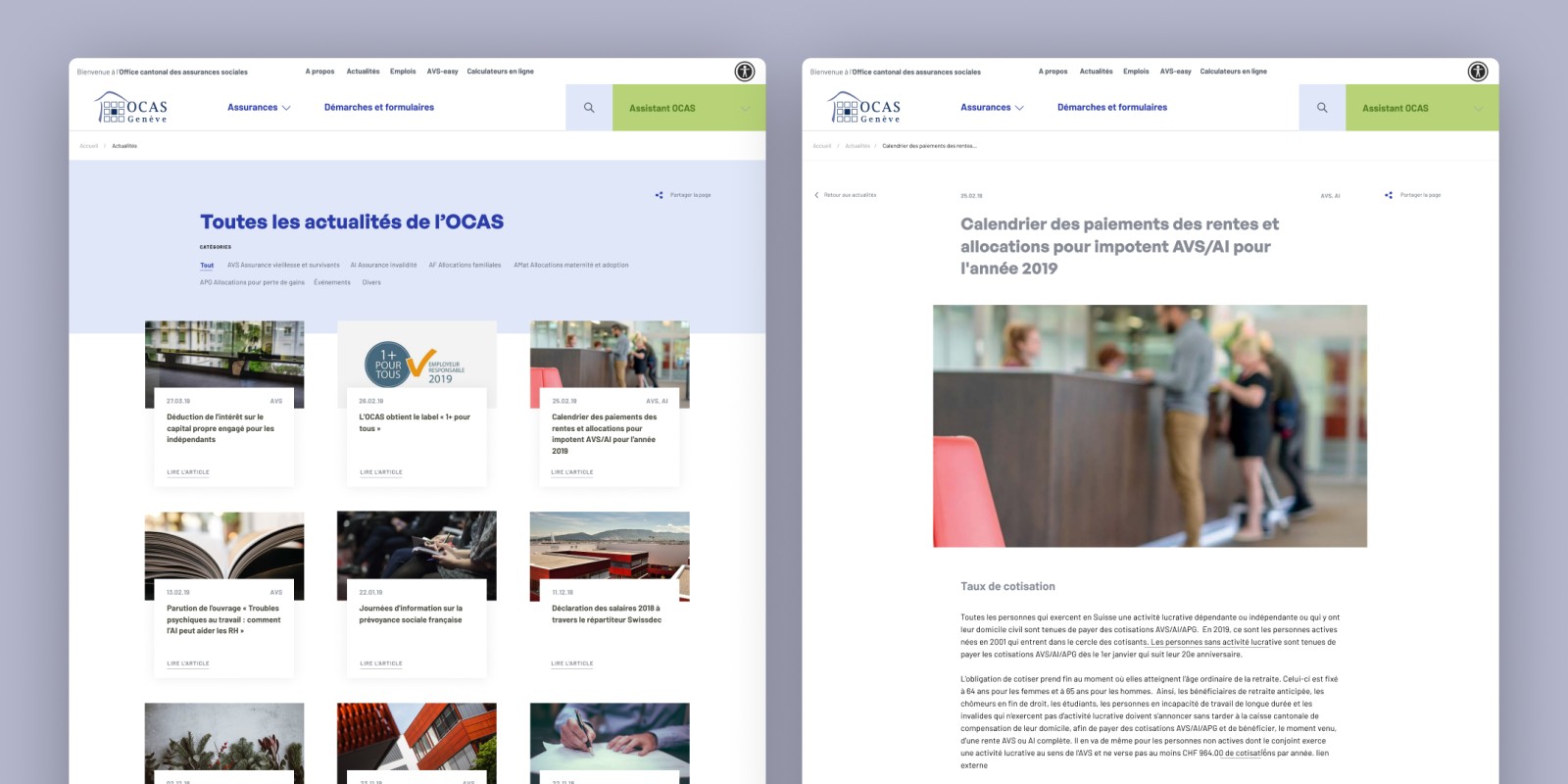
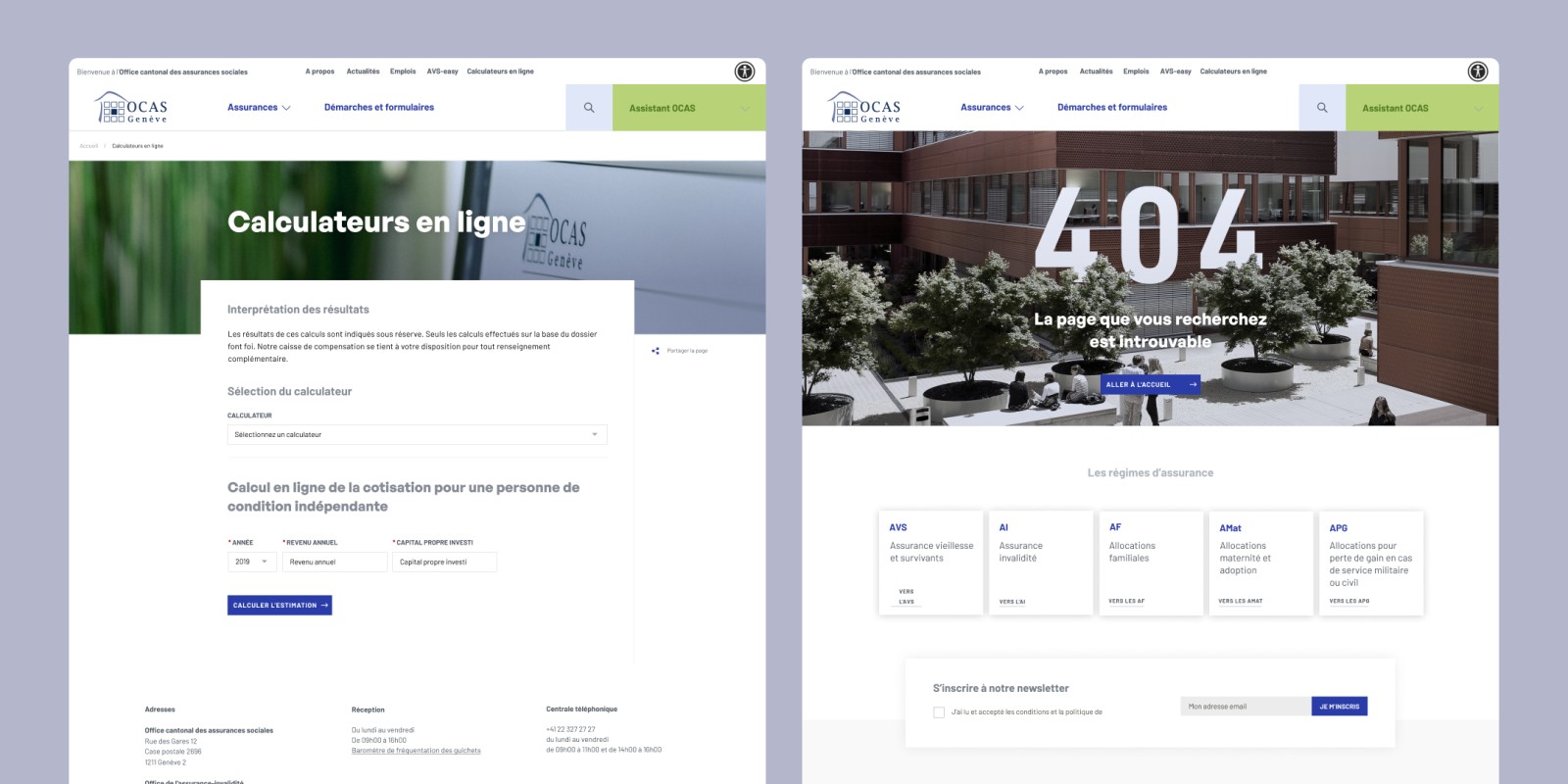
The full case study
How it came together
The starting point
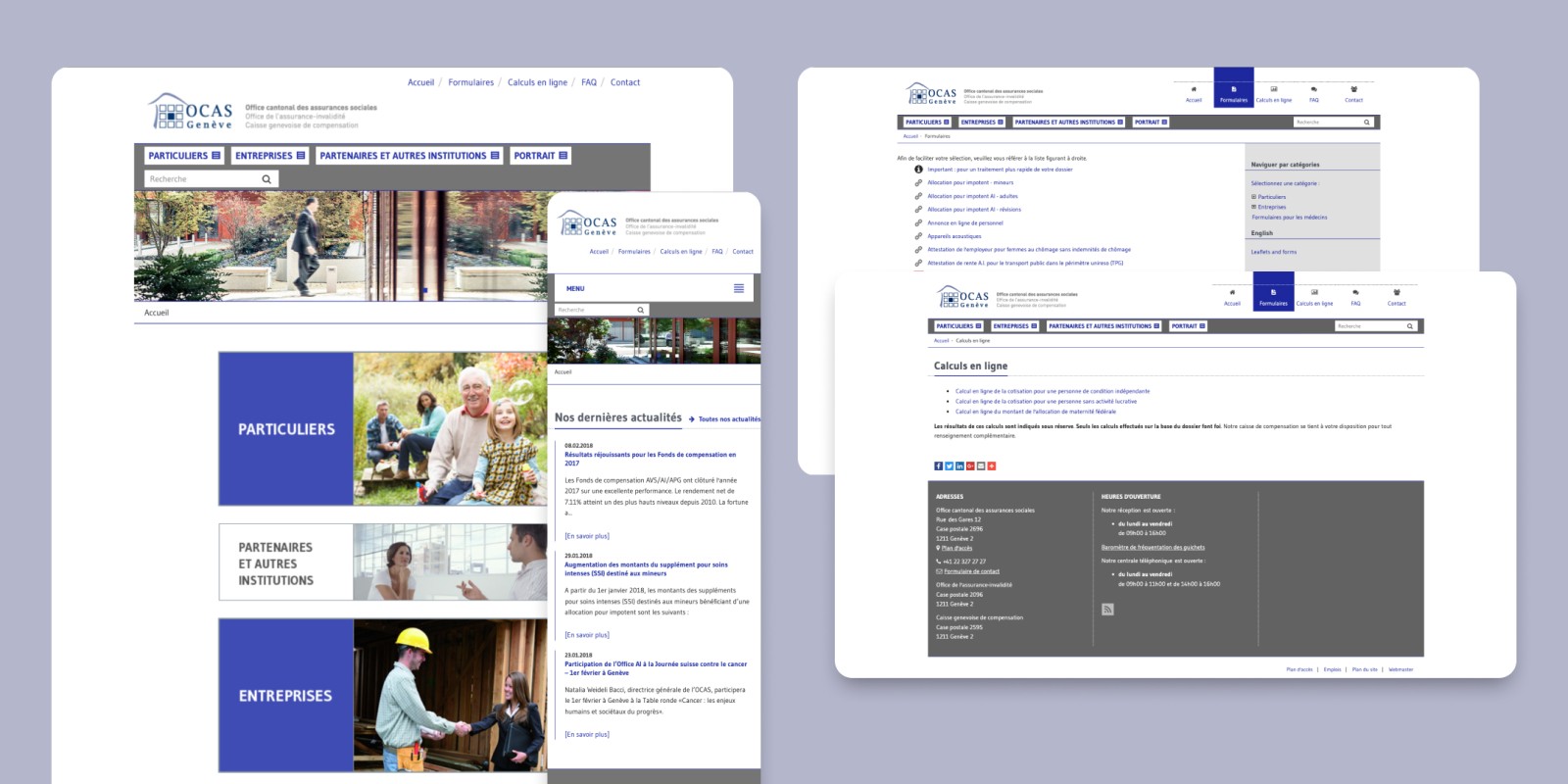
A ten-year-old website
User needs
OCAS wanted fewer calls and letters landing on staff who could otherwise be helping people directly, and content that didn't assume a background in insurance administration to read.
Research
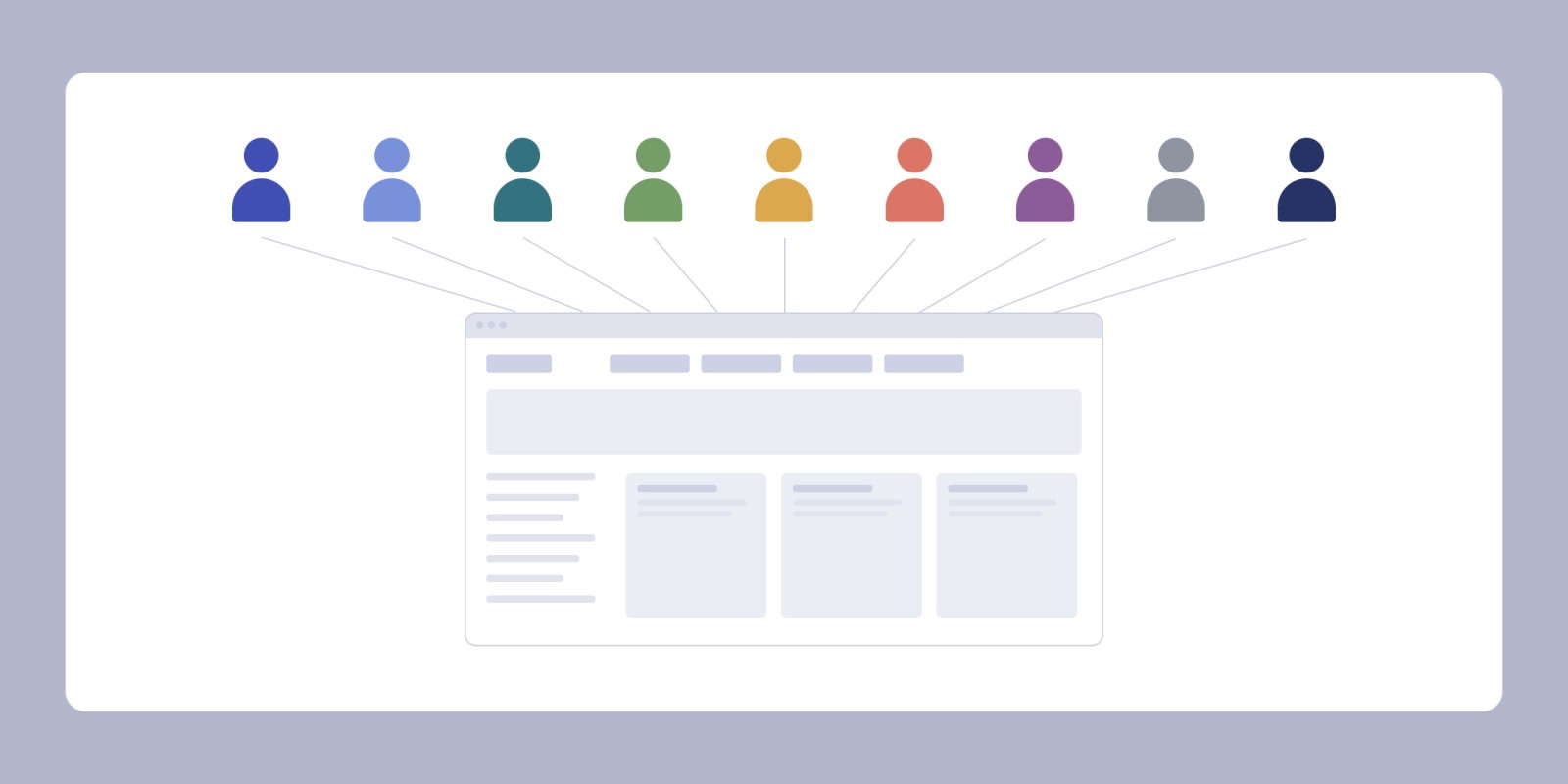
Understanding what actually stopped people came from a low-fidelity navigation prototype, tested with one person per user profile - about ten sessions, run directly with the project manager handling the technical side. Shallow evidence per group, but the question was about breadth, not depth.
Constraints
Drupal was fixed from the start. So was the content: legal wording that had to be migrated as-is, with no license to rewrite it. Budget and timeline didn't stretch to a discovery phase before design started, or to any tracking after launch.
Arriving at the right page
Most people who came to the site already knew which insurance scheme concerned them. What they couldn't do was name the document, procedure or form they needed - and the forms were listed alphabetically by exactly those names.
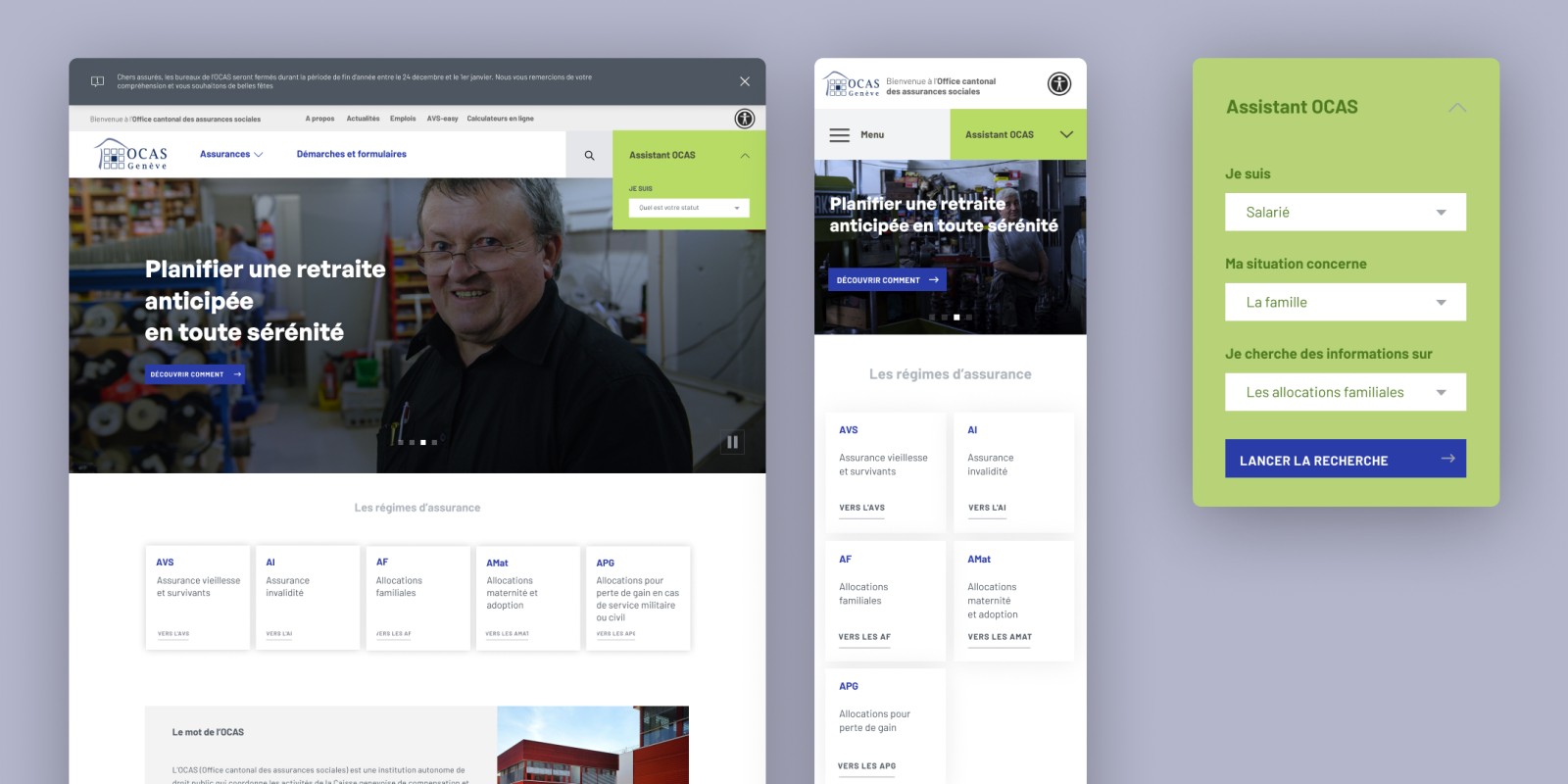
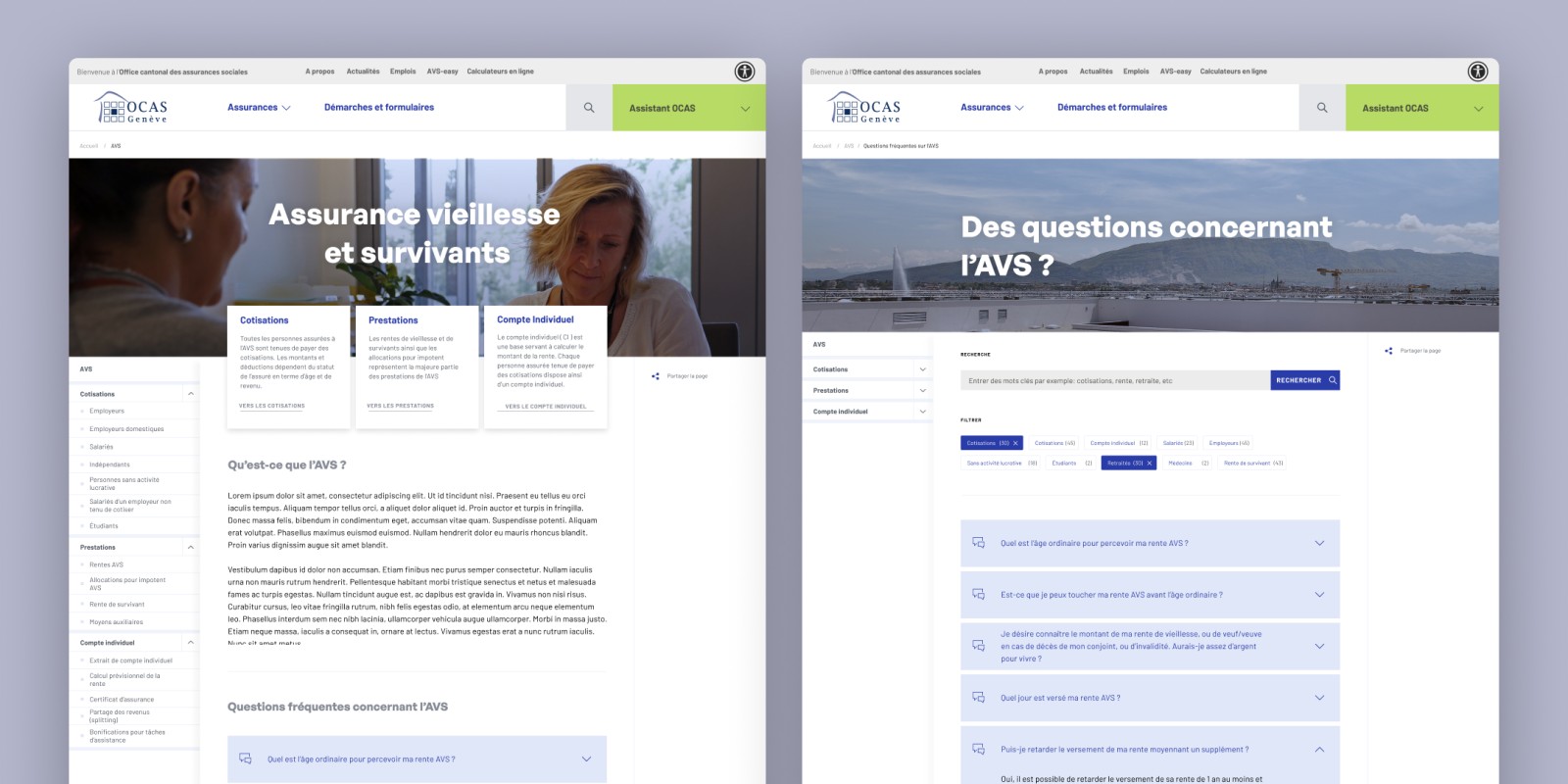
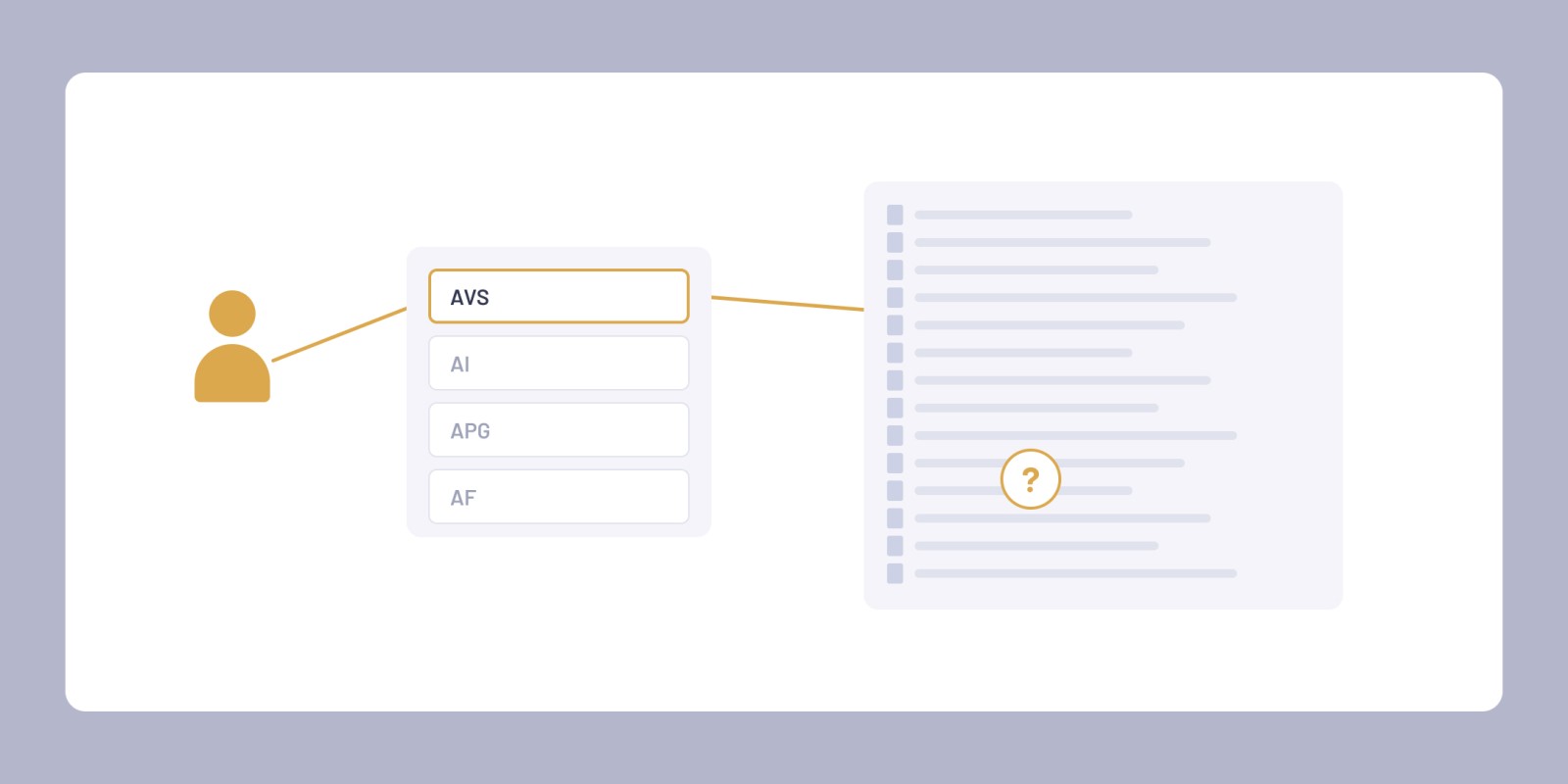
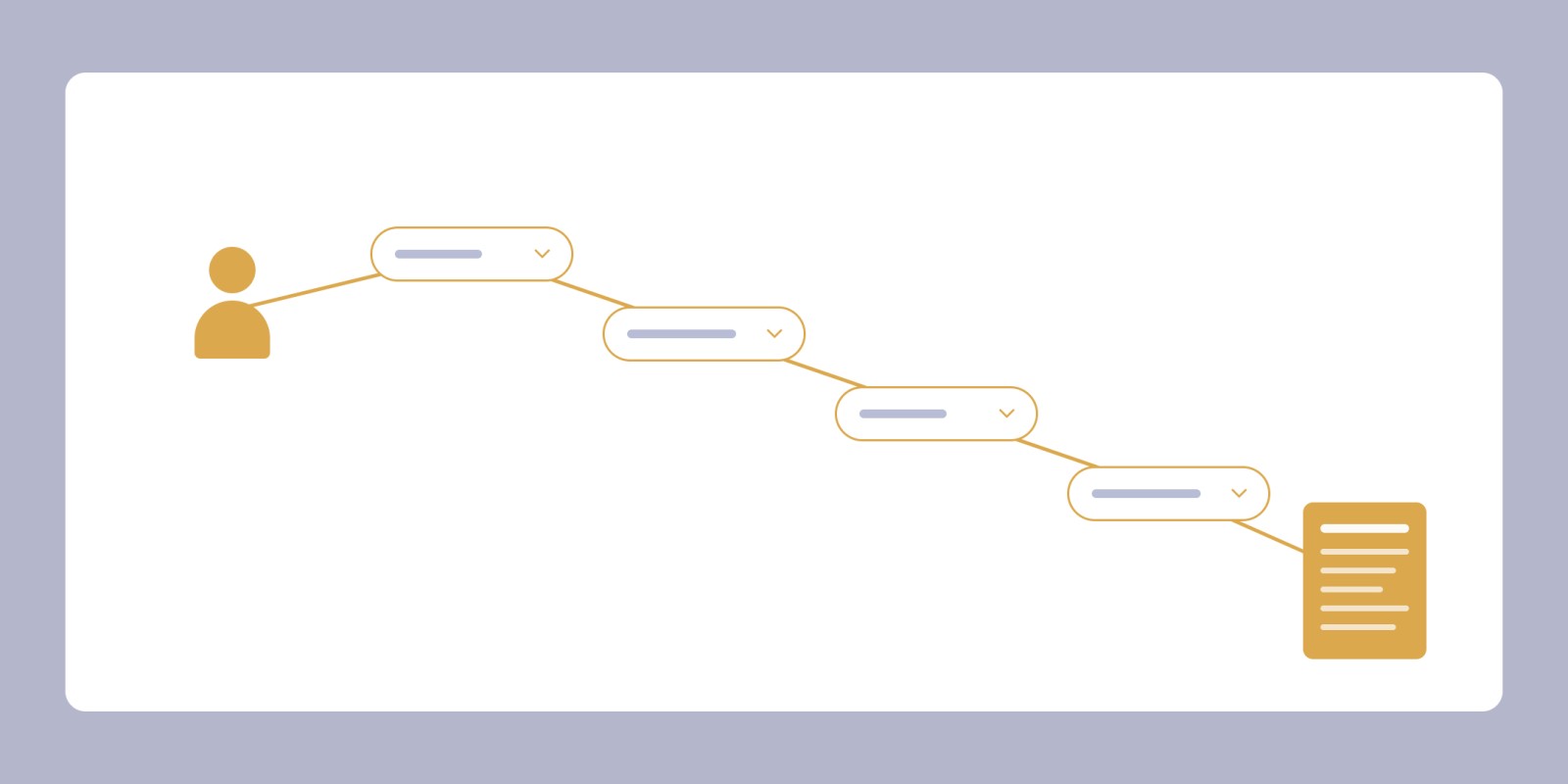
So it needed more than one way in. An assistant that asks about your situation instead of asking you to name what you're looking for. A search bar. A menu by insurance scheme, still there for people who already know it. I built the assistant's four or five questions directly out of how people described their situations in testing, each path ending on a pre-filled form or the matching content page.
The assistant now handles the entry step. The rest of the site still assumes a reader who speaks the institution's language.
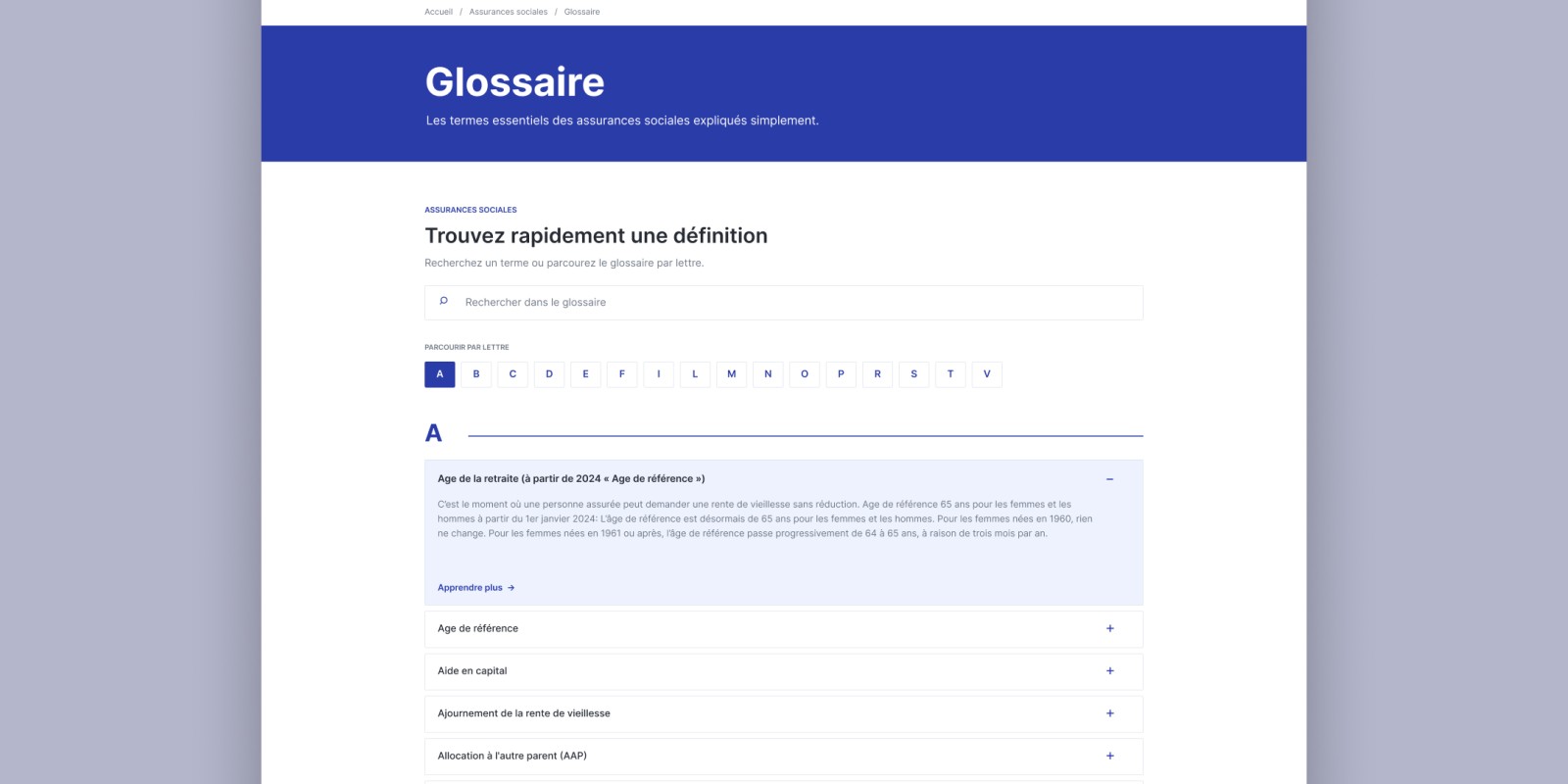
Terminology outside the assistant's scope stayed as it was - a planned set of hover definitions for the harder terms had to be dropped once the number of terms made it unmaintainable, and the site links out to the federal glossary instead.
A thousand forms, one system
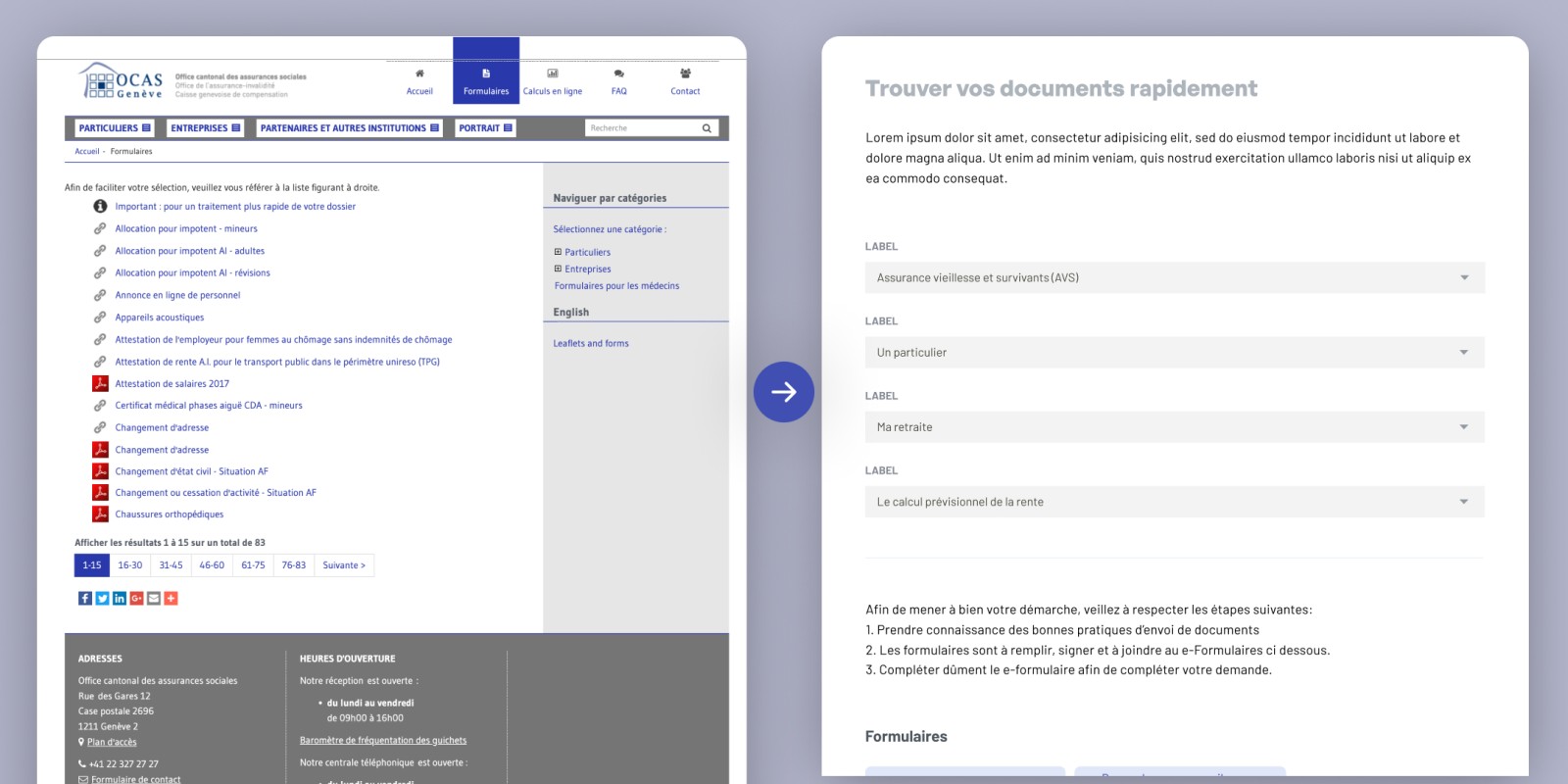
Alongside the entry point, we reviewed the whole catalogue. Some forms appeared twice in the same list, once as a link and once as a PDF. We grouped what overlapped, dropped what was obsolete, and moved what remained into a single system OCAS could edit without going through the agency. The total came down by roughly half.
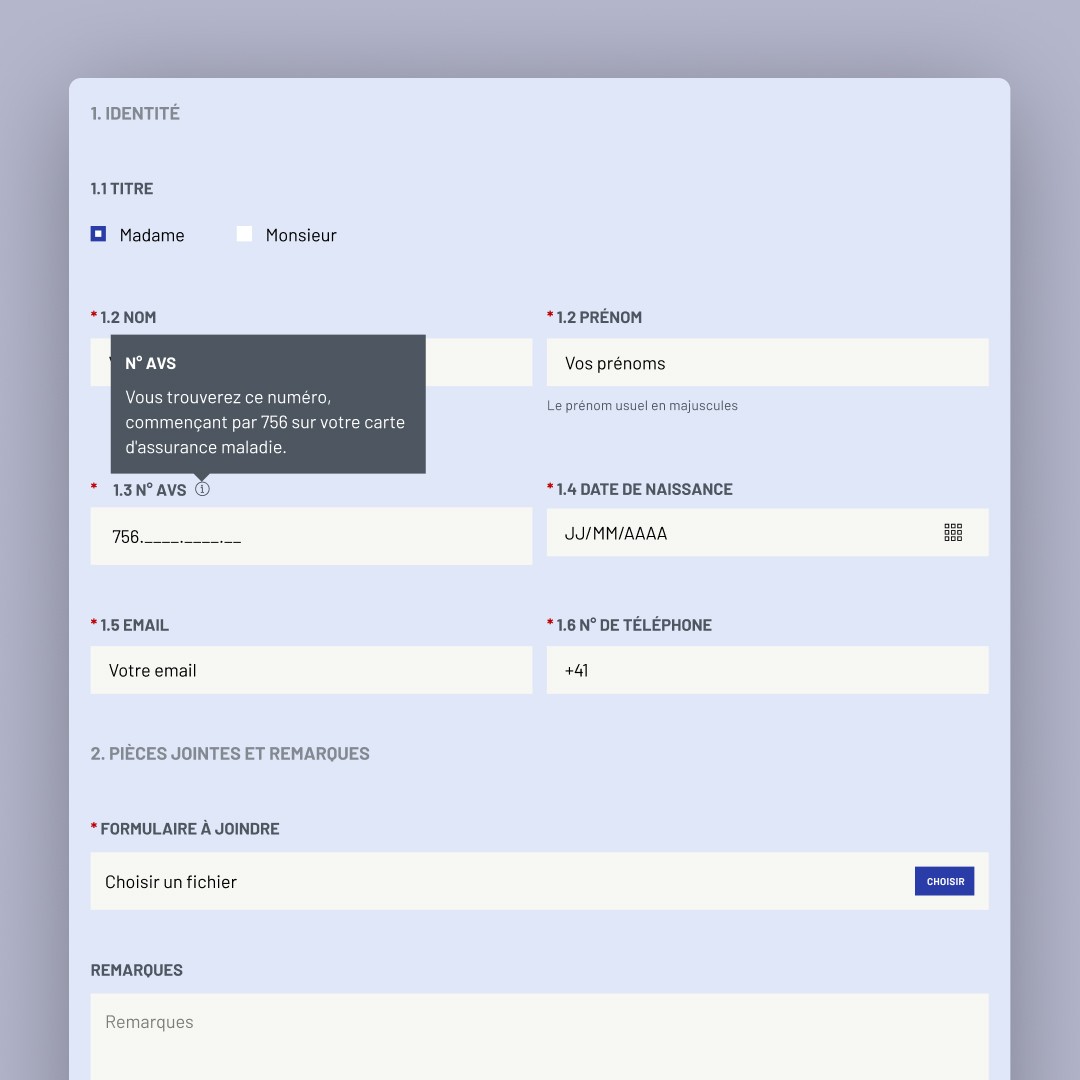
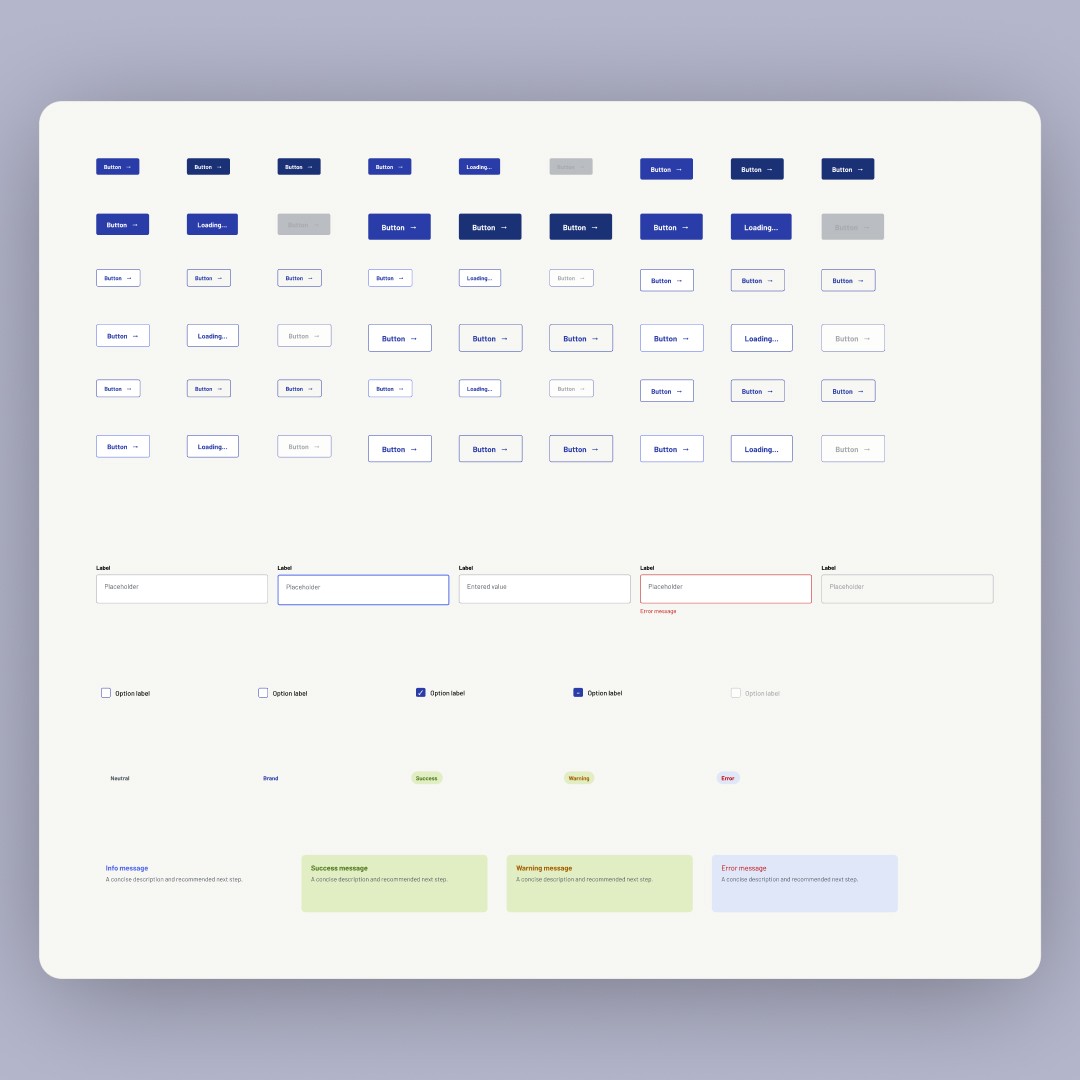
The developers, with the project manager, turned the PDFs into online forms; I designed the form components they were built from: layout that works on a phone, focus states, accessible fields, error messages that explain what's wrong. Consolidating them reduced the count; it didn't rename anything, so outside the assistant a form still has to be found by its official name.
The forms are easier to maintain than to browse - the exact gap the assistant exists to cover.
A visual language built to last
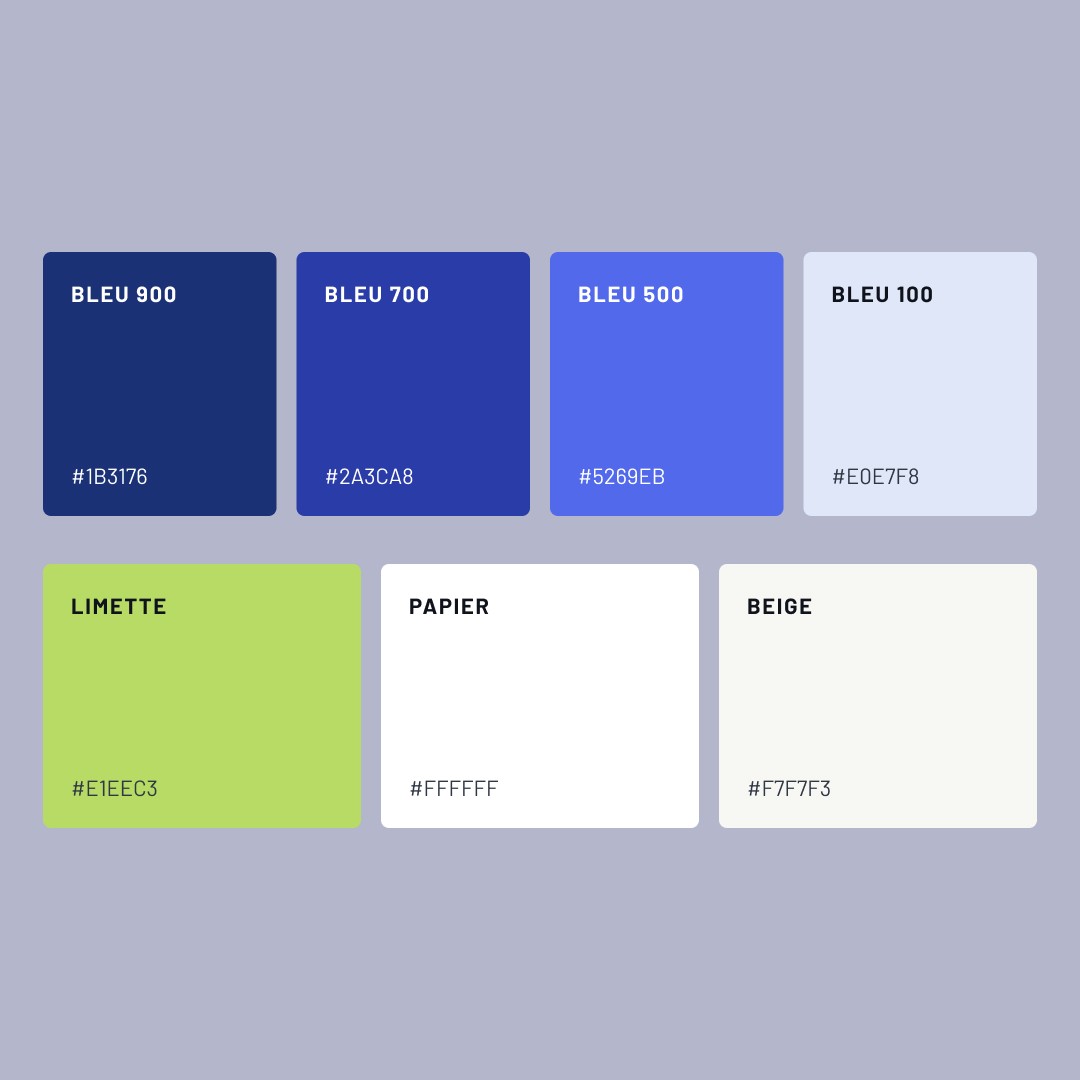
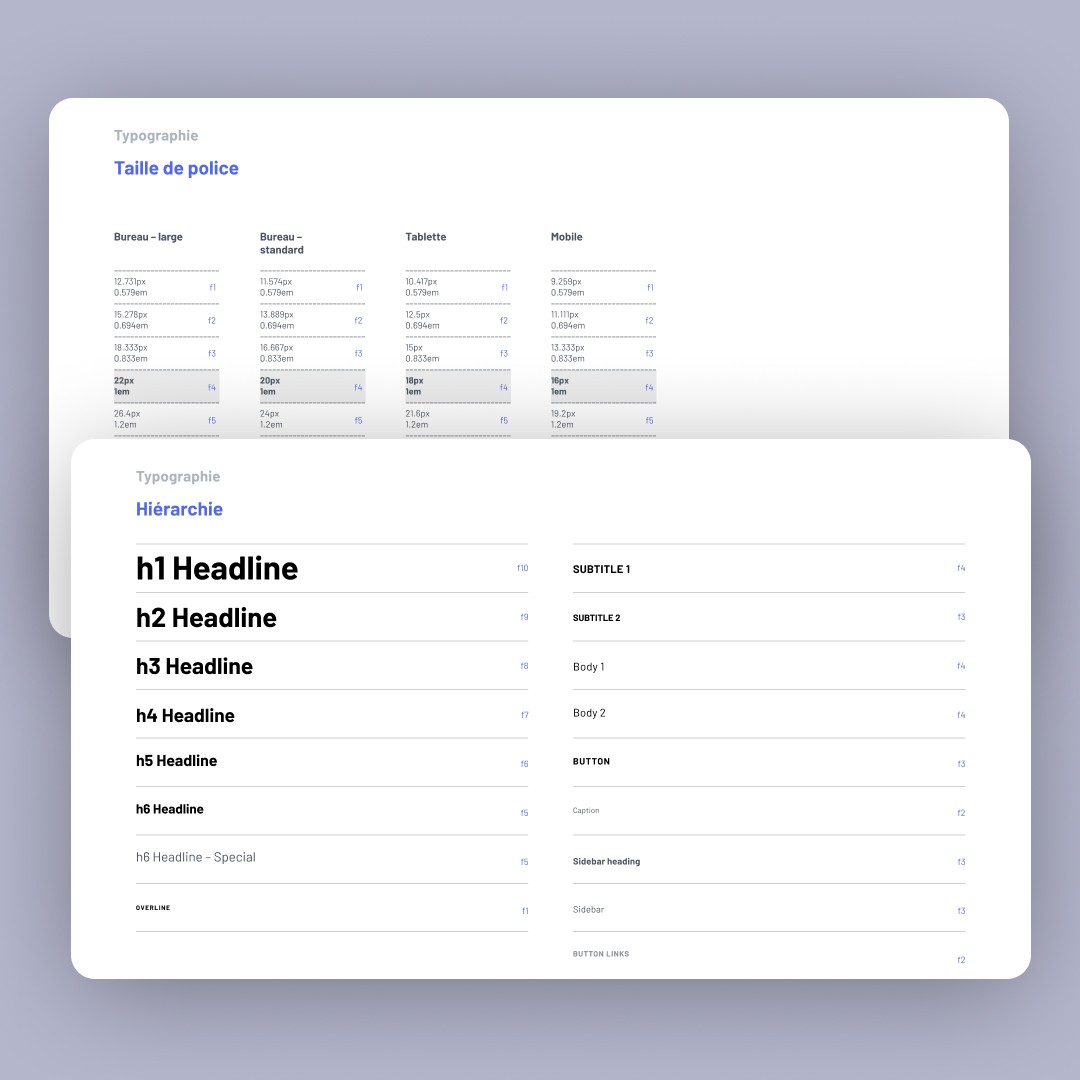
The typeface is D-DIN, an open-source relative of the DIN in OCAS's print identity - the same ingredients, updated rather than replaced. The colour system followed the same logic. We added an accessibility layer (UserWay) on top of the rebuilt components.
The system plays it safe: little contrast between text sizes, no motion anywhere on the site.
Metrics
÷2
Forms after consolidation. Counted from the catalogue, not measured.
4 steps → 2
To send a form: download, print, fill in, post became fill in, submit. Counted from the two flows.
OCAS took over editing and maintaining the forms system themselves after handover, with no further agency involvement. The site has run on the same structure since launch in June 2020.
Conclusion
Where it stands
The site launched in June 2020, and OCAS has run and maintained it since, on the same structure.
What I'd do differently
The part I'd redo is the visual system - more contrast between text sizes, some motion, a less cautious hand. On process, I'd push for a discovery phase before the architecture work, and basic analytics after launch.
What I’d still defend
Giving people several ways to start, based on what they actually know, instead of one path built around how the institution organises itself.